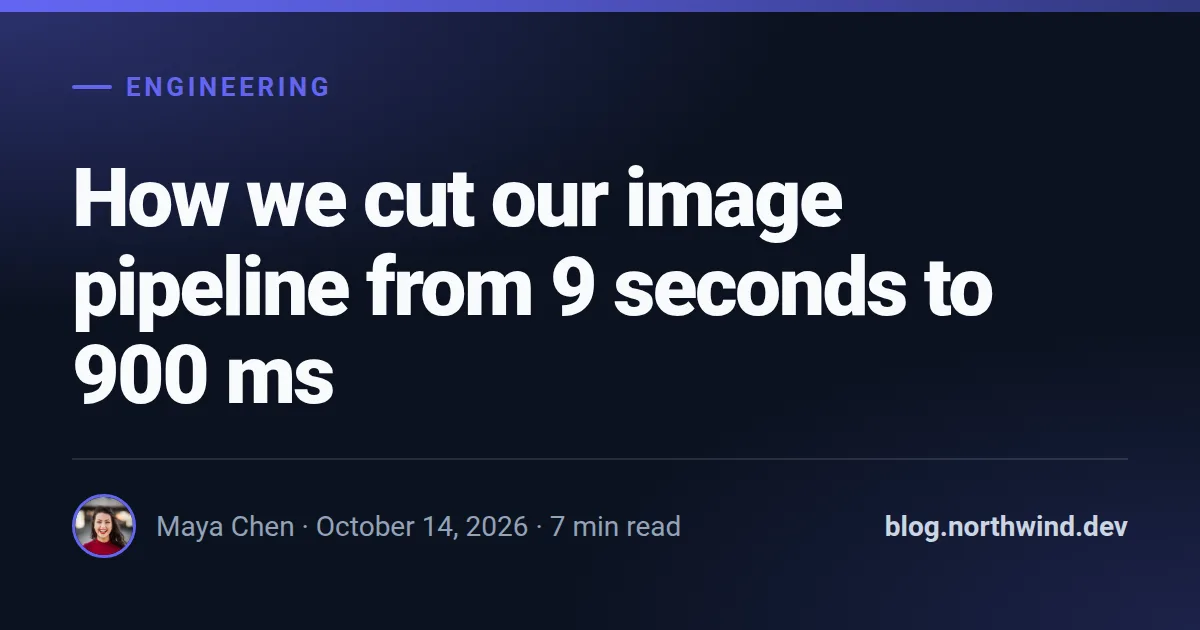
This is a real render from the API with the example values below, at 1200×630.
Built for blogs, newsletters on the web and documentation articles: the title takes most of the frame and shrinks when it runs long, and the byline sits in a quiet footer with an optional author photo. Dates are printed in the language you send in locale.
Fields
Every field is optional. Long text shrinks to fit instead of overflowing; an image field takes a public URL that we fetch on our side.
| Field | Type | Description | Example |
|---|---|---|---|
title |
text | The main headline. default: Article title | How we cut our image pipeline from 9 seconds to 900 ms |
eyebrow |
text | Short label above the title. | Engineering |
author |
text | Author name. | Maya Chen |
site |
text | Your domain or a short URL. default: twojblog.pl | blog.northwind.dev |
date |
text | Date as you want it printed. | 2026-10-14 |
reading_time |
text | Reading time in minutes, a whole number. | 7 |
photo |
image URL | Author photo, shown round in the footer. | https://example.com/images/avatar-woman.jpg |
accent |
colour | Brand colour as hex, e.g. #6366f1. Drives buttons, highlights and the background glow. default: #6366f1 | #6366f1 |
theme |
dark | light | Colour scheme: dark or light. | — |
Render it with one request
Use the slug as template. The response holds the URL of the finished PNG; ?wait=true keeps the connection open until it is ready.
curl -X POST "https://imageapi.benchkithq.com/v1/images?wait=true" \
  -H "Authorization: Bearer sk_live_YOUR_KEY" \
  -H "Content-Type: application/json" \
  -d '{
    "template": "blog-og",
    "modifications": {
        "title": "How we cut our image pipeline from 9 seconds to 900 ms",
        "eyebrow": "Engineering",
        "author": "Maya Chen",
        "date": "2026-10-14",
        "reading_time": 7,
        "site": "blog.northwind.dev",
        "photo": "https://example.com/images/avatar-woman.jpg"
    }
}'
Or paste a signed URL into og:image
For static sites, Webflow, Shopify and no-code tools: put the fields in the query string and sign it with your signing secret. The first request renders the image, every later one is a redirect to the cached file. How to compute the signature.
<meta property="og:image" content="https://imageapi.benchkithq.com/i/acc_YOUR_ACCOUNT_ID/blog-og.png?author=Maya%20Chen&date=2026-10-14&eyebrow=Engineering&reading_time=7&site=blog.northwind.dev&title=How%20we%20cut%20our%20image%20pipeline%20from%209%20seconds%20to%20900%20ms&s=YOUR_SIGNATURE">Make it yours
accent and theme change per request. For anything more, copy the template into your account: you get an ordinary HTML template with the same fields that you can edit in the dashboard or through the API. If the slug is free on your account, the copy takes it — your integrations switch to your version without changing a line.
curl -X POST "https://imageapi.benchkithq.com/v1/templates/library/blog-og/copy" \
-H "Authorization: Bearer sk_live_YOUR_KEY"More OG image templates
 Job posting
 Event
Event
 Podcast episode
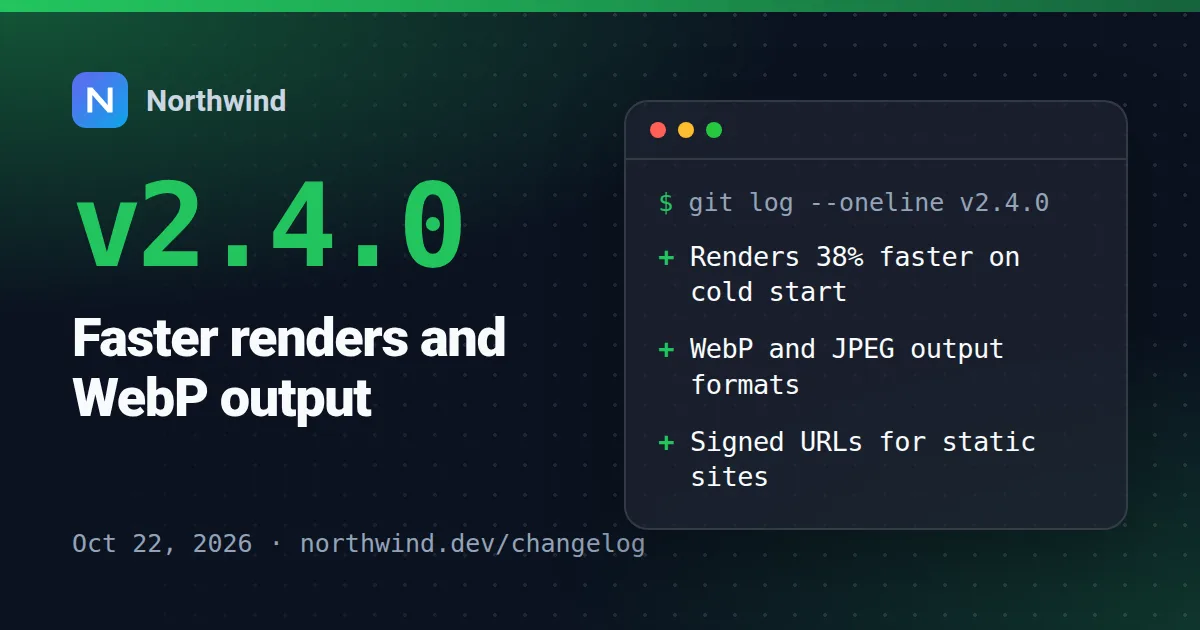 Changelog / release
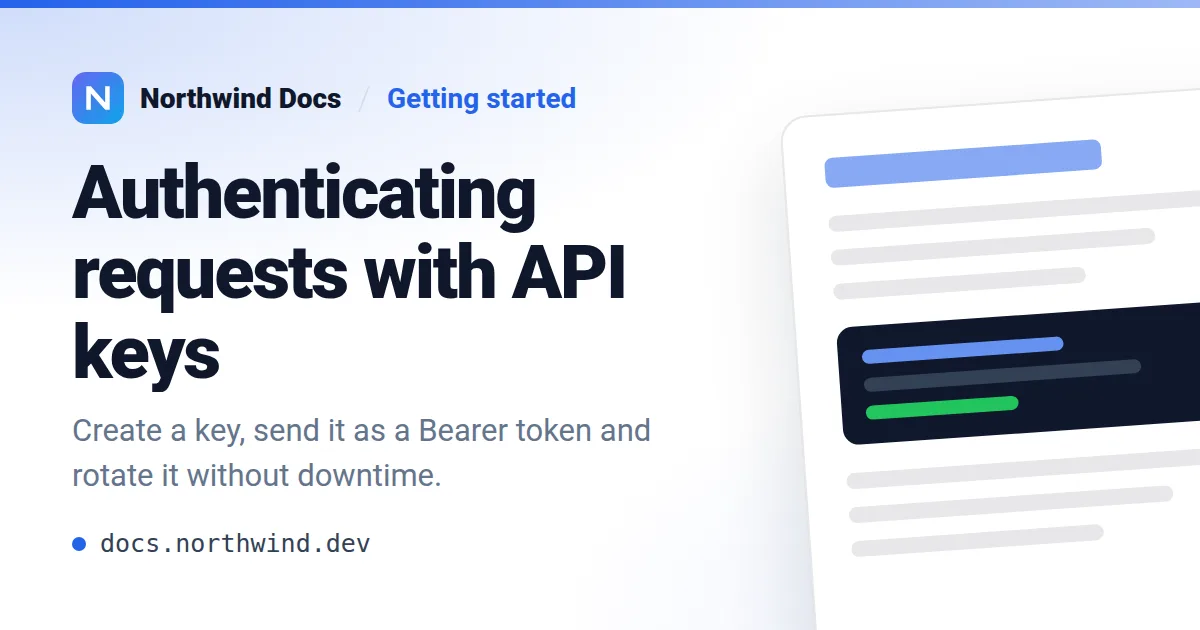 Documentation page
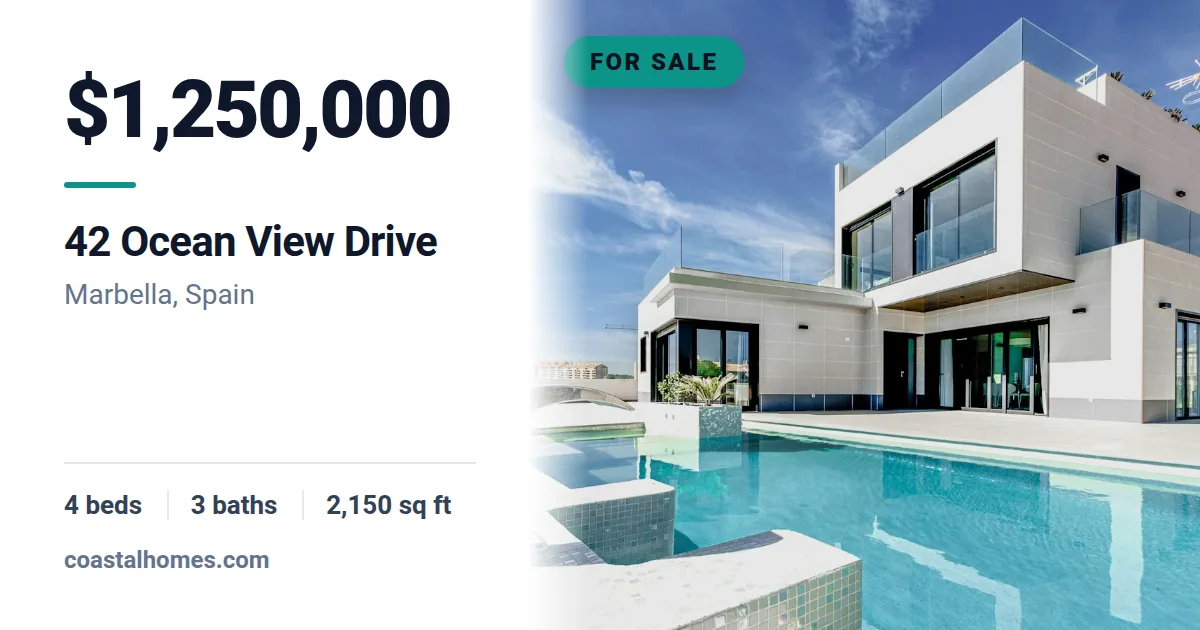 Real estate listing
 Product card
 Product on sale
 Course lesson
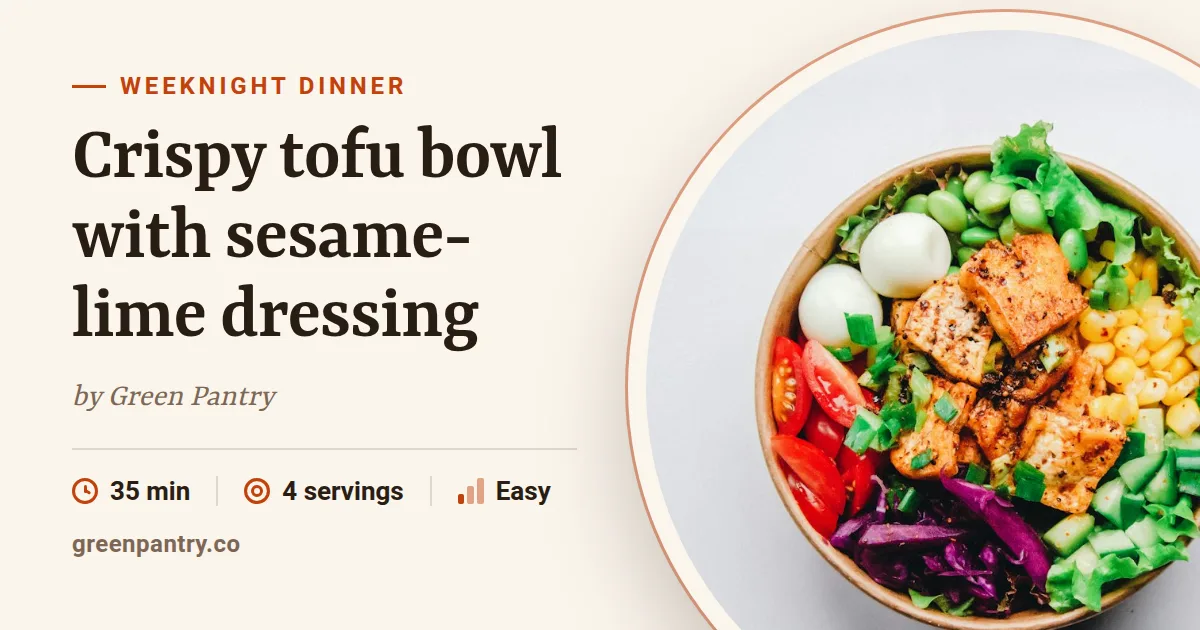 Recipe
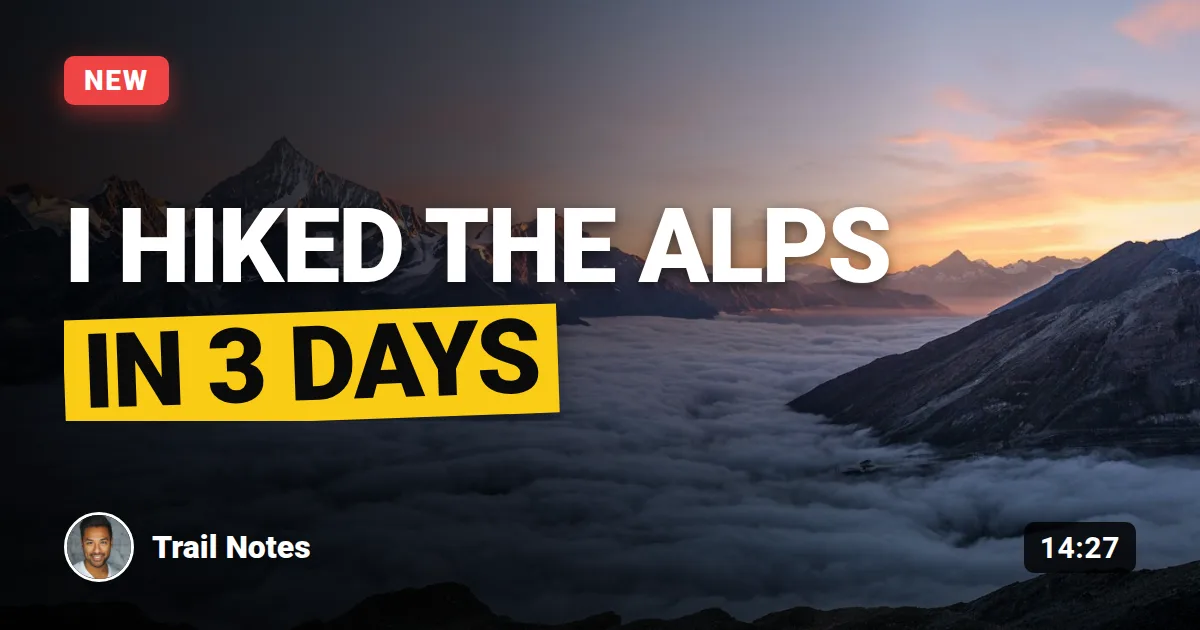 Video thumbnail
 Newsletter issue
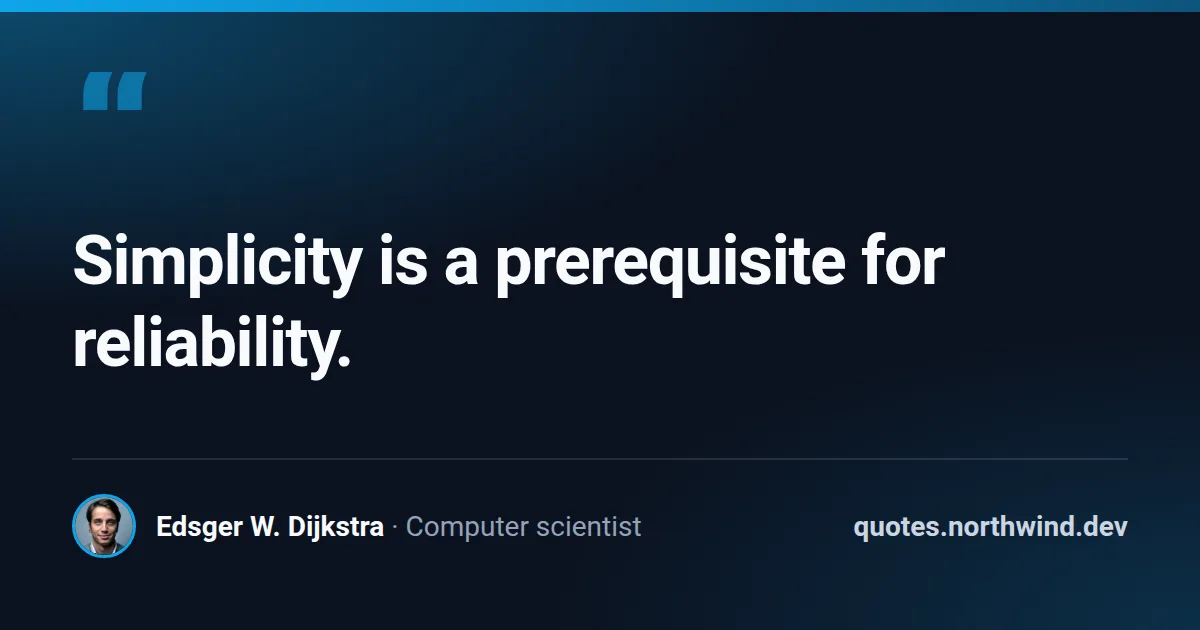 Quote card
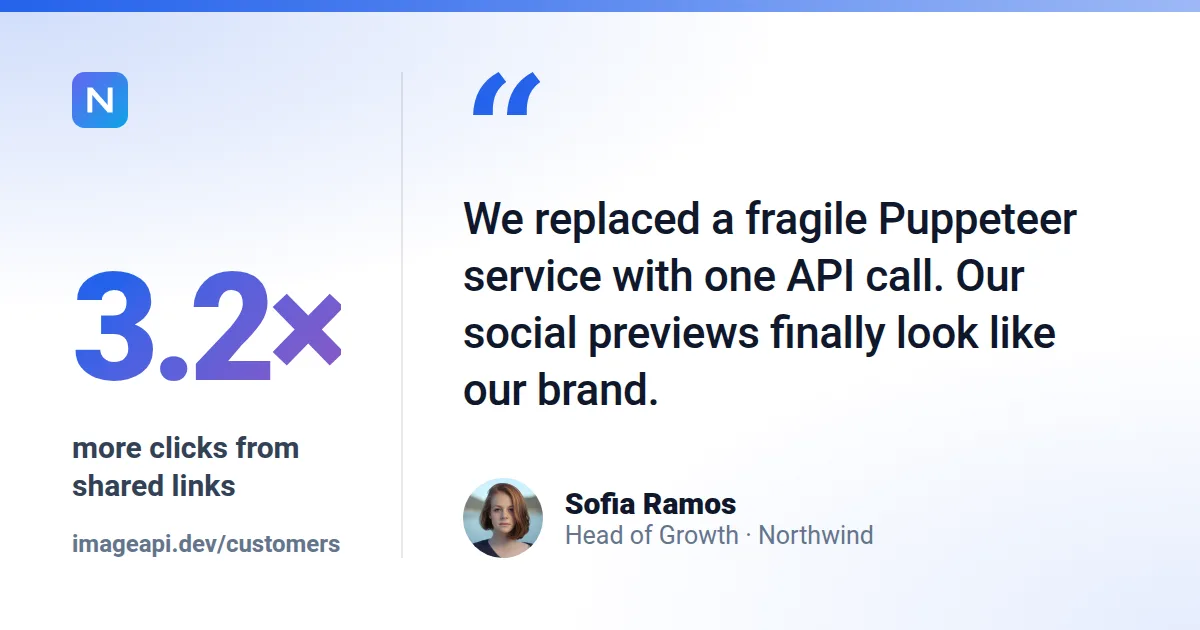 Case study / testimonial
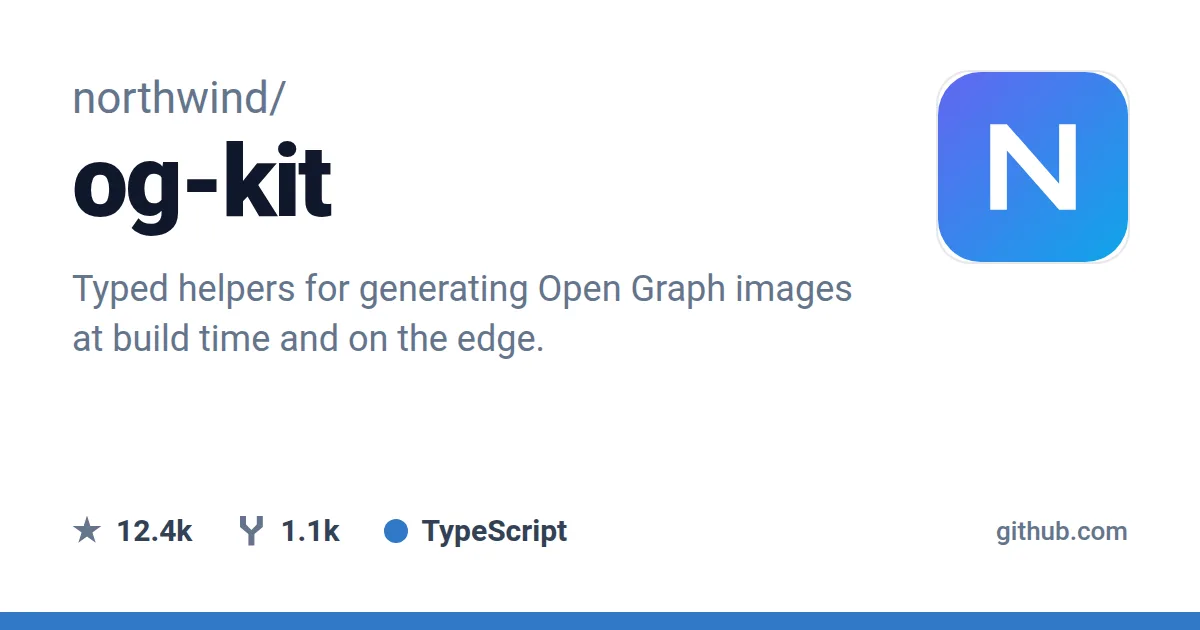 GitHub repository
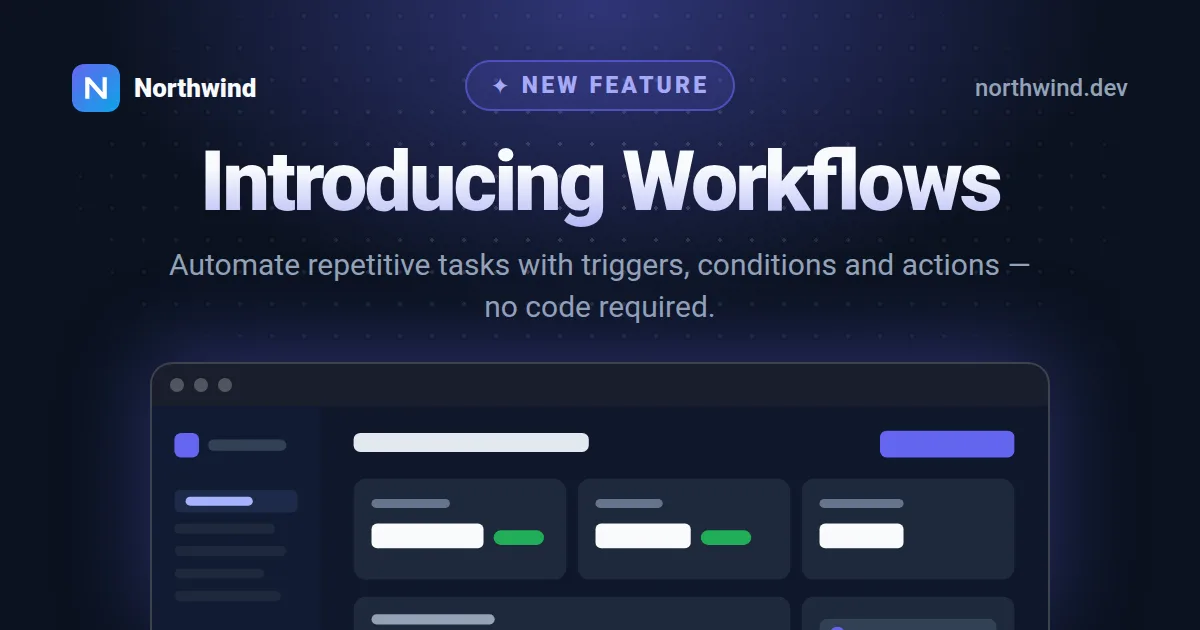 Feature announcement
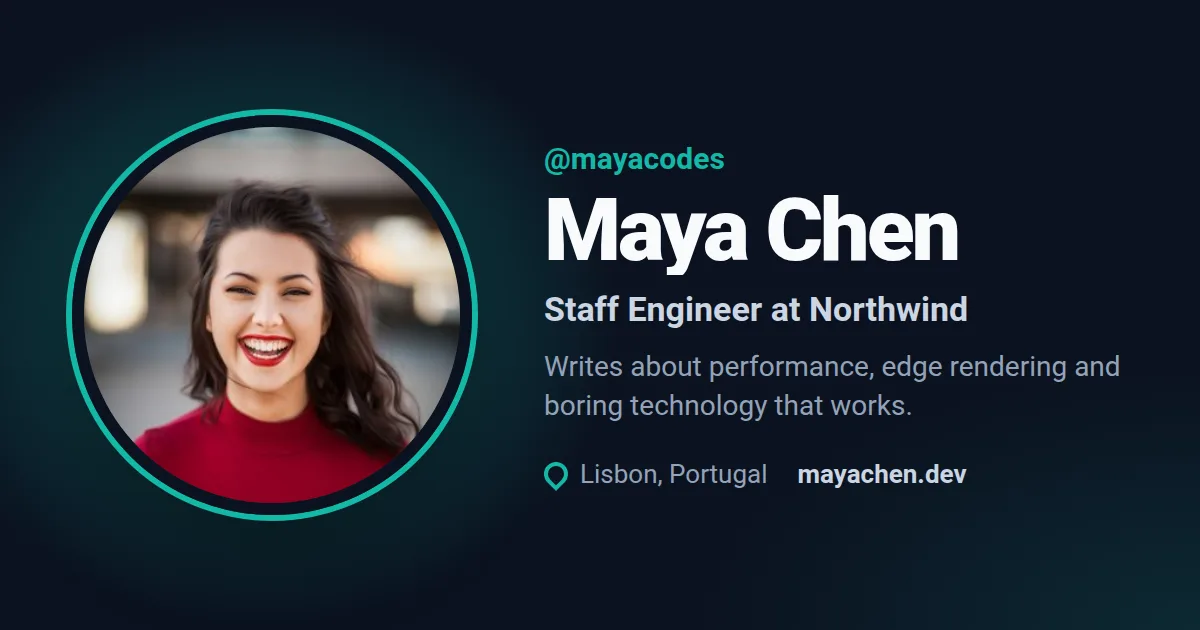 Profile / author card
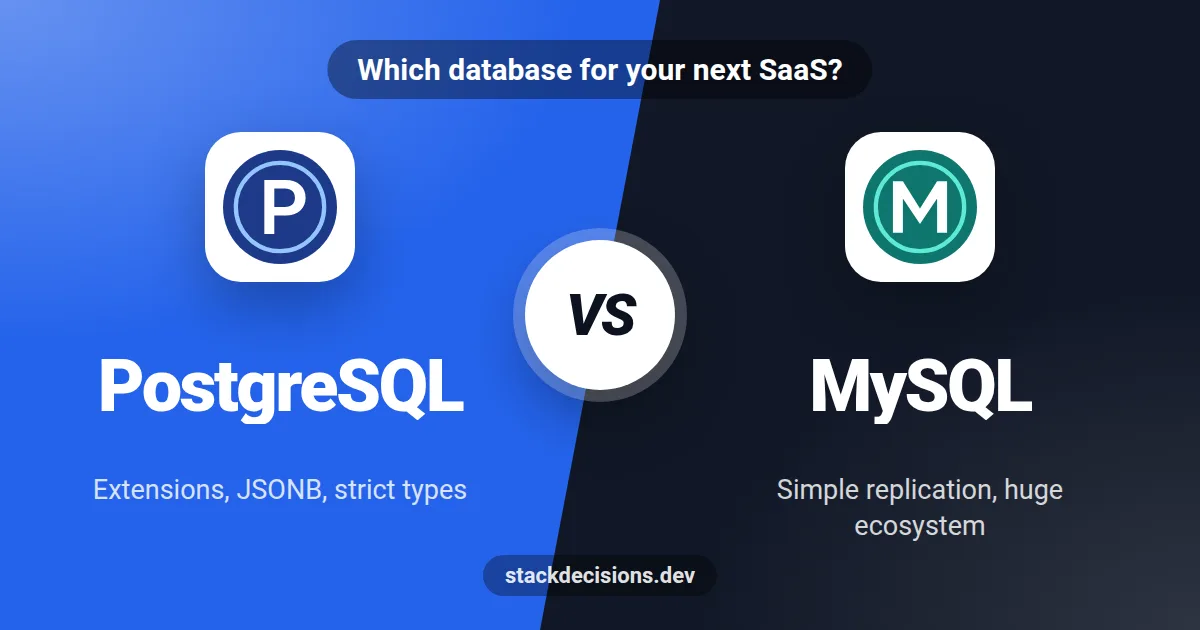 Comparison (A vs B)
 Stat highlight